How the Vendor Portal, ZIP Slots and Your Lead Wallet Work
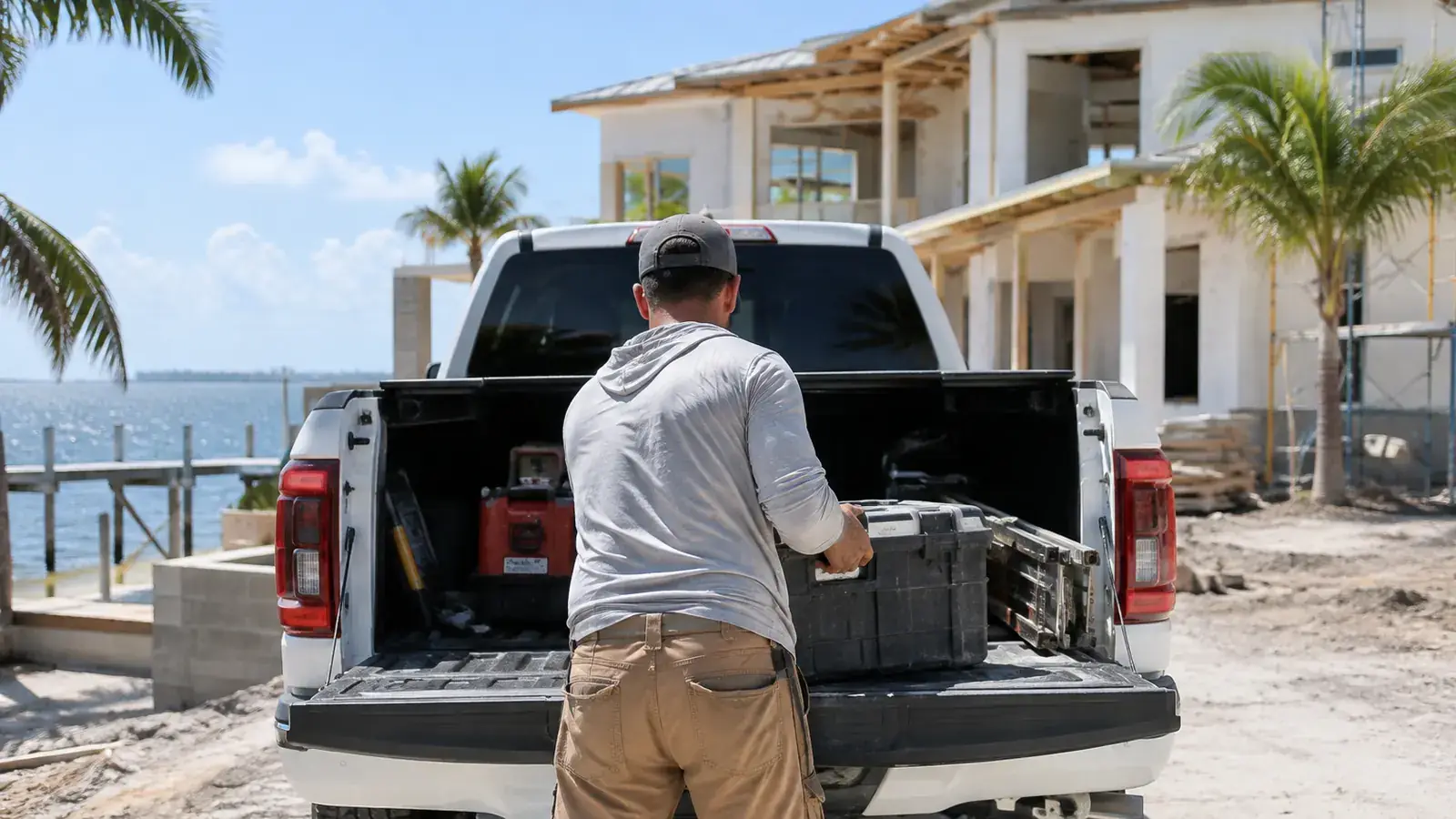
A free PDF guide for contractors and service companies who join Tampa Services as vendors.
- Joining, qualification and the documents we need
- A walkthrough of the vendor portal
- ZIP codes and the 3-vendors-per-ZIP rule
- How the prepaid wallet, charges and credits work
- Accepting leads inside the 30-minute window
- Dormancy, empty wallets and slot replacement
- Reviews, FAQ and a setup checklist
Download the Contractor / Vendor Guide (PDF) · Apply as a Contractor · Trades and categories
Who this guide is for
The Vendor Guide is for contractors and service companies in Tampa Bay who want to receive customer requests through Tampa Services: roofers, HVAC and plumbing companies, electricians, remodelers, pool, tree and lawn crews, movers, gutter installers and commercial trades. It explains how the system works before you spend a dollar, so there are no surprises later.
Joining is free. You pay only when you accept a lead, and the fee comes out of a prepaid balance you control. The guide walks through each step in the same order you'll meet it in the portal.
Joining and the documents we ask for
When you apply, you pick your trades, the services you offer and the ZIP codes you cover. If your trade needs a Florida license, have the license number ready, plus your insurance information and your business registration. Our team reviews every application before it's approved.
Upload your documents in the portal and keep them current. When a license or policy expires, your account can go on hold until you upload the new one. Customers see that license and insurance information is on file, and we always tell them to verify current status before they hire, so it pays to keep it accurate.
How a lead reaches you
A lead is a customer's request for a service in your trades and ZIP codes. We offer each lead to one provider at a time, in rotation, so the same company doesn't get every job. The offer shows the service, the area and the job details, but not the customer's name or phone number.
You have 30 minutes to accept between 7am and 9pm Eastern, or 15 minutes for an emergency request. If you pass or the window closes, the lead moves to the next provider. When you accept, the posted fee for that lead is drawn from your prepaid balance and the customer's contact details unlock.
From there you're expected to contact the customer and mark the lead Contacted within 6 business hours. If you don't, the lead is taken back and offered to the next provider, and the fee is forfeited. The fee pays for the introduction, not for a result. Nobody can promise that a customer will hire you.
ZIP slots: 3 vendors per ZIP code per trade
Each ZIP code has room for up to 3 active vendors per trade. When you're approved you get an active slot wherever one is open. Where all 3 are taken, you join a waitlist in the order you applied, and leads in that ZIP go only to the active vendors. Your free home ZIP comes from your business location. You can add up to 4 extra ZIP codes at $49 a month each, so 5 in total, and your portal shows the monthly total before you save.
Slots aren't property. They can't be sold or transferred, and they don't guarantee any number of leads. They exist so a small number of companies share the work in each area instead of a crowd fighting over it.
Your prepaid lead wallet
You add credits to your wallet in advance, and lead fees are drawn from it only when you accept. Credits can be used only for Tampa Services fees. They aren't a bank account, don't earn interest and can't be transferred.
Your portal warns you when the balance gets low, and again when it can't cover one lead in your trades. If the wallet can't cover a lead, offers skip you until you top up. The portal notice is the official one, so check it.
Credits can be requested within 48 hours of a charge for four reasons only: the phone number is disconnected or fake, the customer says they never made the request, the job is outside your service area, or it's a service you don't offer. Our team reviews each request, and approved credits go back to your wallet, never as cash.
Keeping your slot
You keep a slot by staying active. You're considered dormant if you don't sign in to the portal for 30 days, or if 3 lead offers in a row expire without an answer. An empty wallet counts the same way. Either one triggers a warning in your portal, and if it isn't fixed within 7 days, your slot goes to the next vendor on the waitlist and you move to the back of the line. You get a slot again automatically when one opens and your account is in good standing.
The guide ends with a short setup checklist: documents uploaded, trades and ZIP codes set, hours and job sizes filled in, wallet funded, and a habit of checking your lead inbox during the day so you don't miss a 30-minute window.