Access Control in Tampa Bay
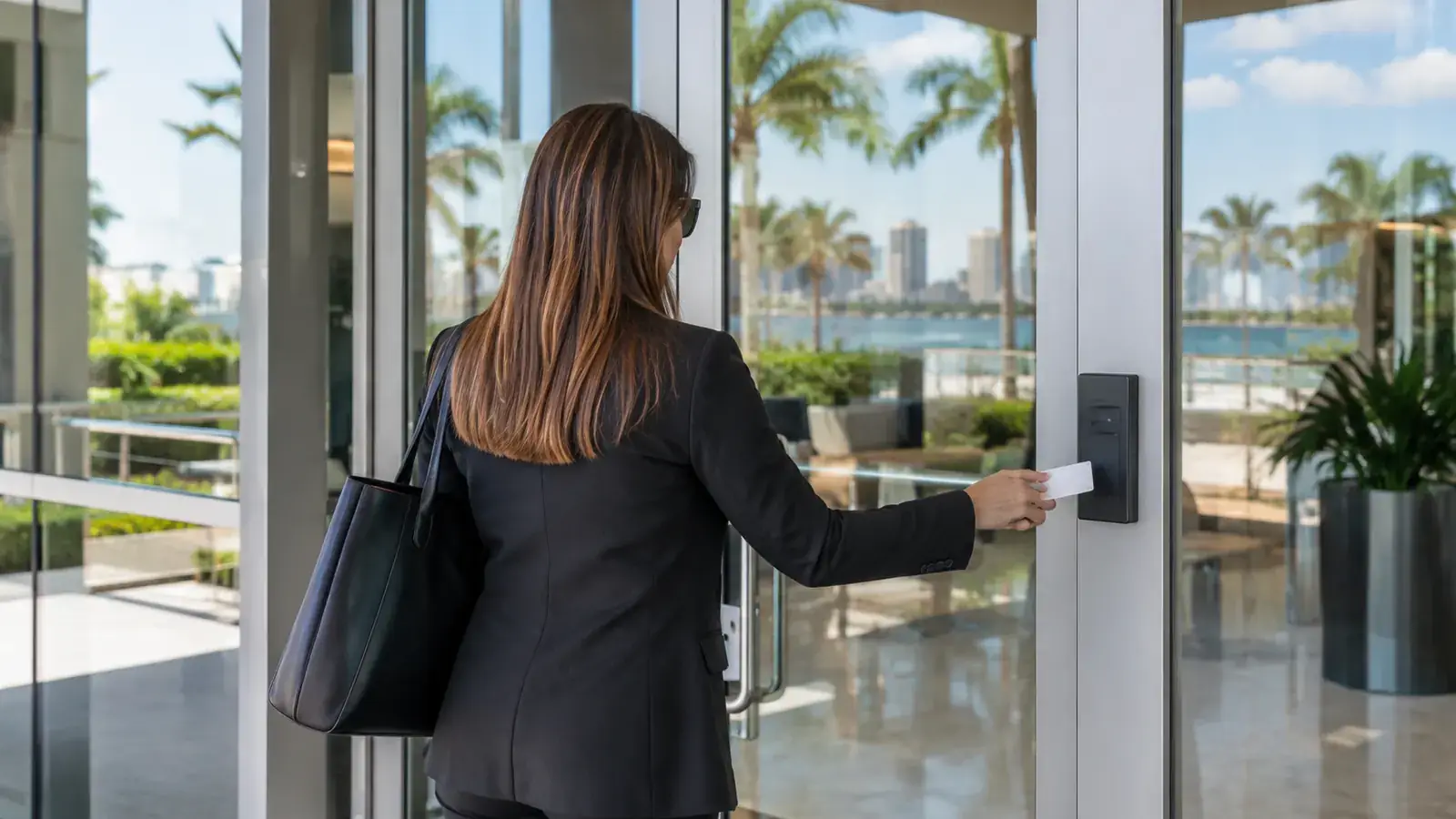
Card, fob and mobile access for doors, gates and elevators. Tell us about the job and we'll match you with a local provider who covers your ZIP code.
Request a Business Service Quote
Good to know
- Ask who owns the equipment and the footage if you cancel monitoring.
- Check contract length and auto-renewal terms.
- Florida alarm contractors are licensed; ask for the license number.
Questions to ask before you hire
- Can I see your Florida license number so I can look it up on myfloridalicense.com?
- Who owns the equipment if I cancel?
- How long is the monitoring contract?
What access control usually costs in Tampa Bay
Access control cost depends on the number of doors, the type of credential (fobs, cards, PINs, mobile or biometrics), the locking hardware each door needs and whether the system is cloud-managed or runs on a local server.
Doors with existing wiring and hardware are cheaper to convert. Glass storefronts, fire-rated doors and gates often need specialty hardware like electric strikes, maglocks or exit devices, which adds labor and parts.
Ask about software subscription fees, who can add and remove users, how the system behaves when power or internet goes down, and whether it ties into cameras and alarms.
Permits in Florida
Access control on egress doors has to meet fire and life-safety codes so people can always get out. Many installs need a permit and fire marshal review, especially with maglocks. Work is done by licensed low-voltage or alarm contractors in Florida. Confirm locally.
Permit rules depend on your address: each city permits inside its limits and the county covers unincorporated areas. Ask your provider who pulls the permit and confirm with the local building office before work starts.
Hurricane season planning
Make sure locks fail in a safe, code-compliant way during outages and that controllers have battery backup. After storms, test every door before reopening. Book installs in the dry season if exterior gates are involved.
Atlantic hurricane season runs June 1 through November 30. Contractor schedules tighten before and after named storms, so plan non-urgent work early.
Planning around Tampa Bay's wet and dry seasons
Tampa Bay really has two working seasons. The dry season, roughly November through May, brings lower humidity and fewer afternoon storms, so it's usually the easiest time to schedule access control, inspections and anything that needs paint, sealant or concrete to cure. The wet season, roughly June through September, brings daily thunderstorms, lightning and heavy humidity that can push outdoor work to the morning and stretch schedules, which matters if you're planning around business hours or tenants. If your access control project isn't urgent, asking for dates early in the dry season usually gives you more choice.
Getting a useful quote
Before a provider visits, jot down what you've noticed, when it started, and any past repairs. Photos help. Know your ZIP code, property type and rough age of the home or building, and whether an HOA, landlord or insurer needs to be involved.
When quotes come in, compare the same scope, materials, warranty and timeline side by side. Our free Compare My Quotes tool can help.
How to hire for access control
Ask for the contractor's license number and look it up on the state DBPR site. Check that the name matches the company, the license is active, and the license type fits the job. Some trades are licensed locally by the county instead.
Ask for a current certificate of insurance. Through Tampa Services, license and insurance information is on file for providers; verify current status before hiring.
Get the scope, price, schedule, payment terms and warranty in writing. Be careful with large deposits for work that hasn't started, and with anyone who asks you to sign over insurance benefits.
For businesses, also confirm after-hours availability, response times and who your point of contact is.
Frequently asked questions
Cloud or on-site access control?
Cloud systems are managed from anywhere and update automatically; on-site systems avoid ongoing fees. Both can work.
Can we use phones as credentials?
Many systems support mobile credentials alongside fobs and cards.
What happens when the power goes out?
It depends on the hardware and code requirements. Ask how each door is set to behave.
Can it connect to our cameras?
Many systems integrate with video. Ask about compatibility.
How it works
- Tell us about the job and your ZIP code.
- We match it with one local provider who covers your area and does this work.
- Your provider contacts you, and you track everything in your portal.